On the payment page, t-mates can choose the payment method via E-Wallet available at the pictures below.
It's important for t-mates to know that operational hours for payment using this method are available 24 hours a day, so you can easily make transactions anytime.
Here's the available E-Wallet:
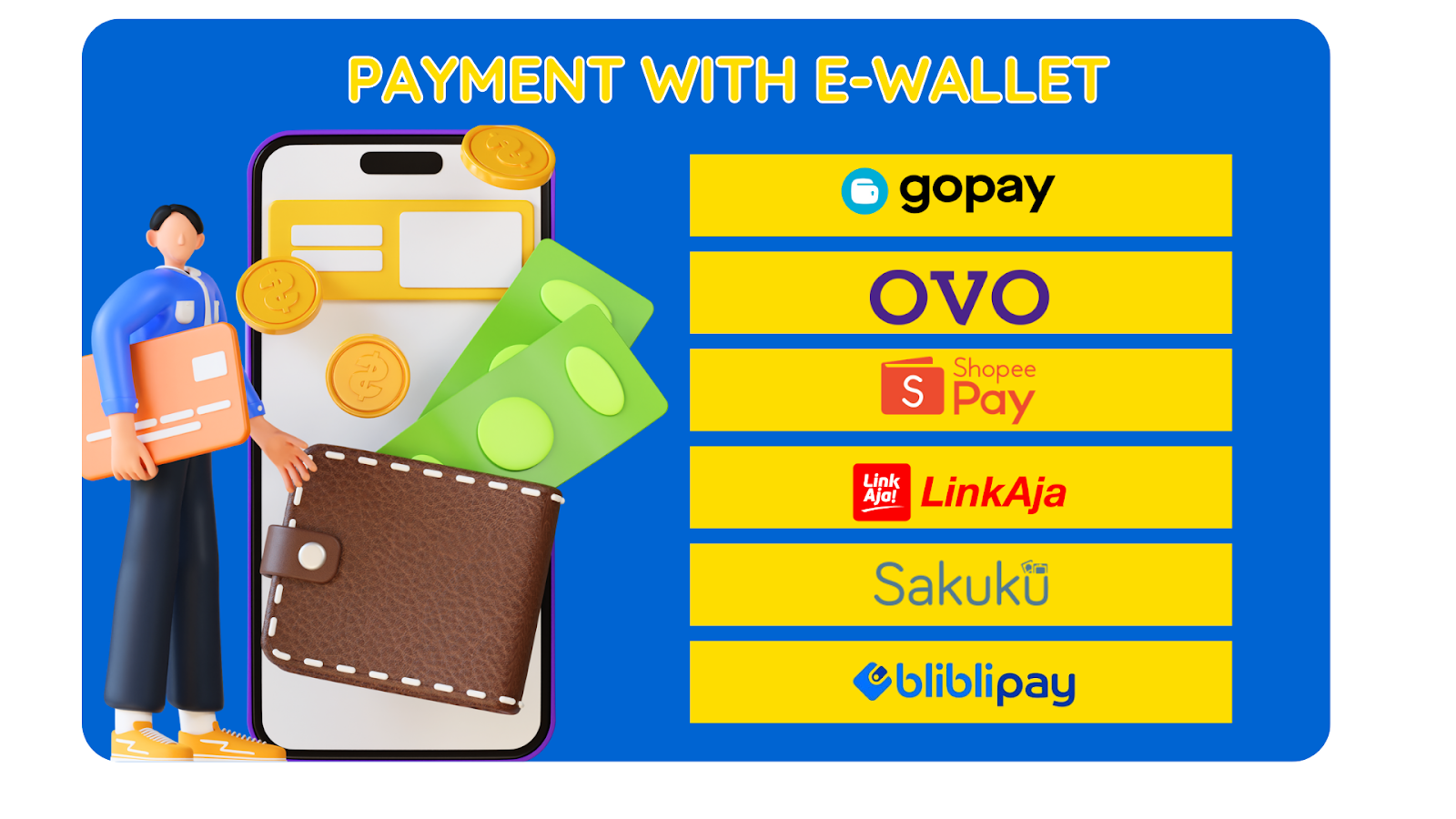
|
E- Wallet
|
Details
|
|
GoPay
|
- Have an account on Go-Jek Apps
- Make sure your balance is sufficient to make payments
- This payment applies to all products on tiket.com
- GoPay Later is not available for transaction payments on tiket.com
|
|
OVO
|
- Linkage your OVO account with your tiket.com account.
- Check the Payment Methods menu to add your OVO account.
- Make sure you have verified your telephone number on tiket.com before Linkage your tiket.com account with OVO.
- Make sure the telephone number used on tiket.com must also be registered with OVO
|
|
ShopeePay
|
- Make sure you have the Shopee application and have activated ShopeePay & Shopee PayLater.
- If the phone number for your Shopee account and your tiket.com account is different, it doesn't matter as long as your Shopee application is still on the same device (for m-web and apps). For desktop, it doesn't matter if the QR is accessed on a Shopee account with a different number on tiket.com.
- Available for Shopee PayLater.
- Not eligible for split payment.
- Only valid for payments with a Shopee Indonesia Account (Shopee ID)
- For cashback information, you can see more information on the ShopeePay page
- You can use vouchers / coins on the ShopeePay platform, max 50% from the bill per transaction.
|
|
LinkAja
|
- Have a LinkAja account and already activated
- When paying, you will be immediately directed to the Link Aja web page for log in as a user & enter the OTP code
|
|
Sakuku
|
To use the Sakuku payment method, you must be registered with Sakuku at BCA.
|
|
Bliblipay
|
Click here for more info about Bliblipay
|
You can follow the steps below to make payment via E-Wallet method:
- Select the E-Wallet payment method you want.
- Enter the promo code / gift voucher (if any).
- Choose Pay with Gopay / OVO / Shopeepay / LinkAja / Sakuku.
- The E-Wallet app will automatically open or open the app manually if it doesn't open automatically.
- Confirm the payment on the E-Wallet app of your choice.
- Enter the PIN and OTP code if any.
- Transaction successful.