What kind of instant payment available on tiket.com?
On the payment page, t-mates can choose the payment method via Instant Payment available for KlikBCA, BCA Klikpay, Oneklik, OCTO Clicks, and Blu BCA.
It's important for t-mates to know that operational hours for payment using this method are available 24 hours a day, so you can easily make transactions anytime.
Follow these steps below to make payment via Instant Payment method:
- Make sure you are on the payment page.
- Choose the instant payment method you want.
- Enter the promo code / gift voucher (if any).
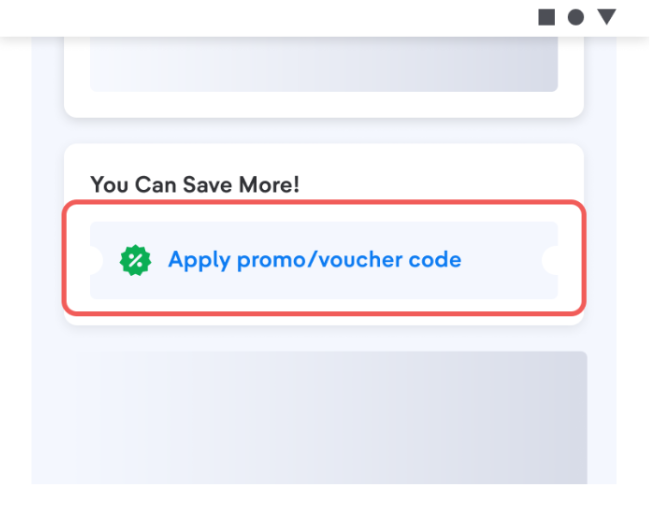
- Select Pay With KlikBCA / BCA Klikpay / Oneklik / OCTO Clicks / Blu BCA
- Continue payment.
- Steps will appear on the Instant Payment website/Apps.
- Follow the payment steps according to the instructions listed in the payment guide on the Waiting for Payment page.
- Finished.
*For payments with Oneklik, you must connect your Oneklik account with the tiket.com account. Check the Payment Method menu to add your Oneklik account.