How to make payment using Virtual Account?
On the payment page, t-mates can choose the payment method via Virtual Account for BCA, Mandiri, BNI, BRI, and Permata Bank.
It's important for t-mates to know that operational hours for payment using this method are available 24 hours a day, so you can easily make transactions anytime.
Follow the steps below to make payment via Virtual Account method:
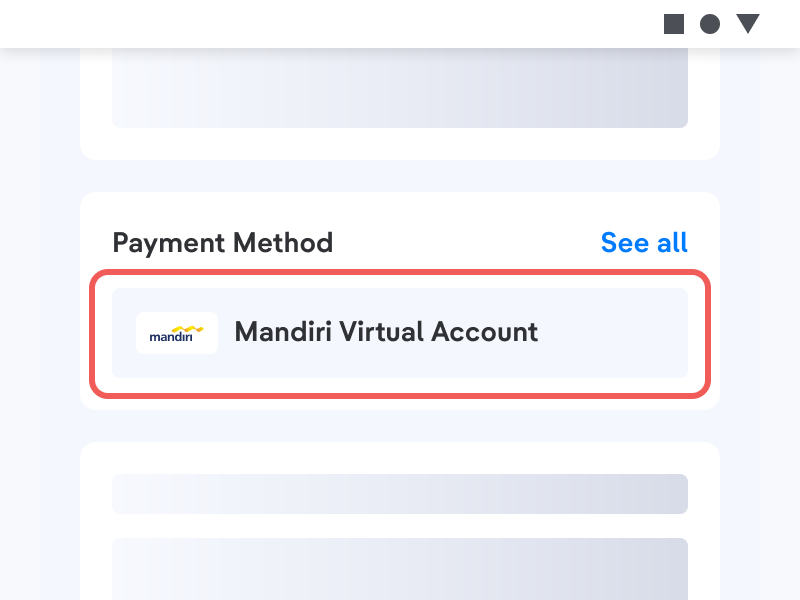
- After arriving at the payment page, select the Virtual Account Payment Method.
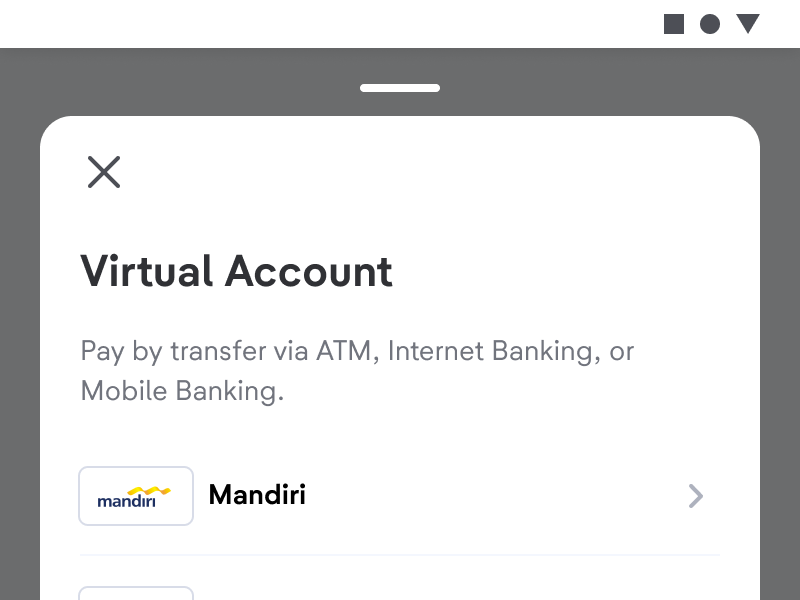
- Select the Virtual Account.
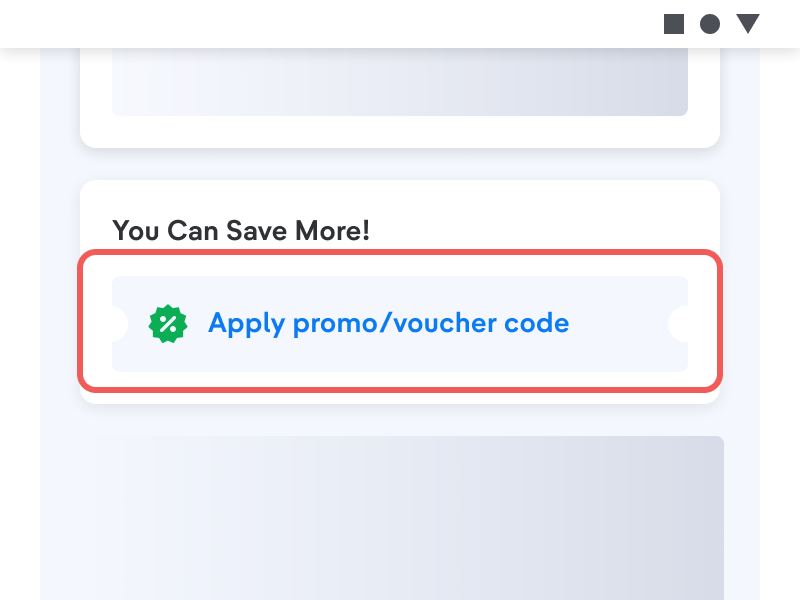
- Enter promo code or gift voucher if you have.
- Select the Pay with Virtual Account menu.
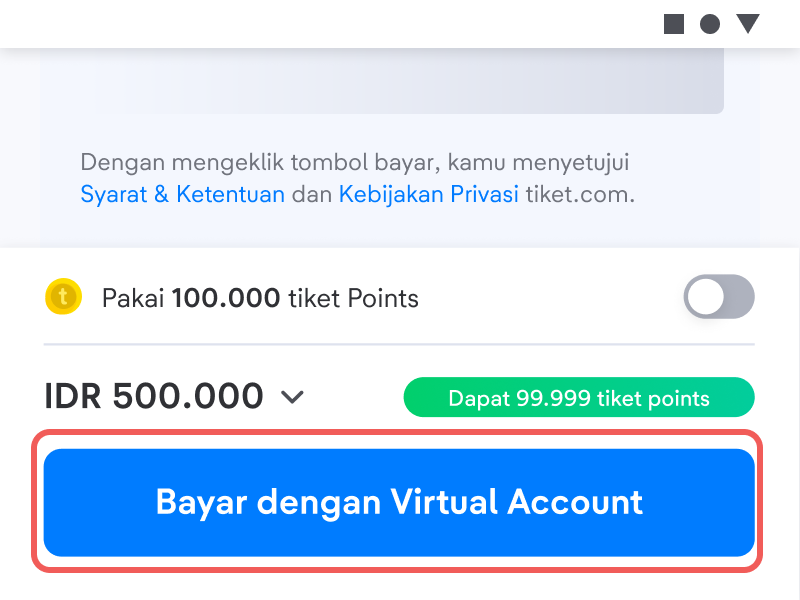
- Follow the available Payment Methods.
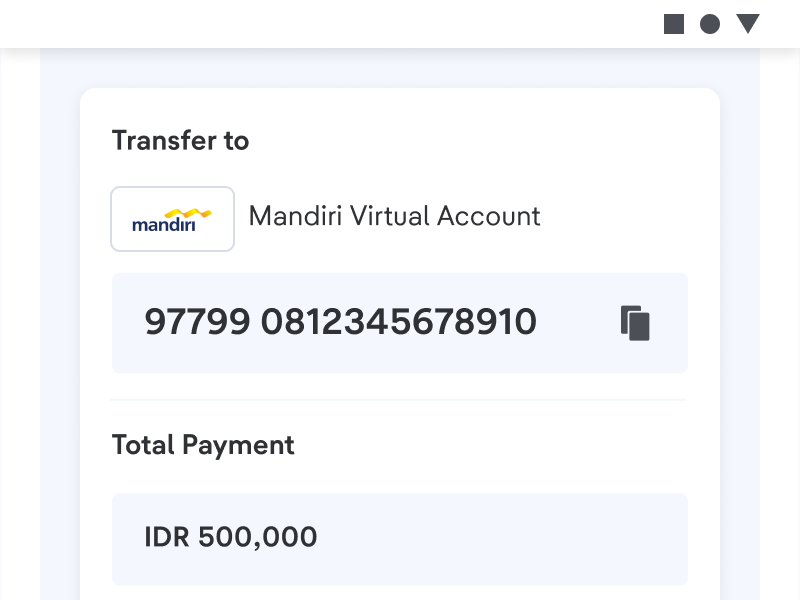
This payment can only be paid through ATM, Internet Banking & Mobile Banking.